

 English
  Türkçe
 Polski
 Українська
 Deutsch
 Română
 Português
 Svenska
 Русский
 Español
 ไทย
ไทย 日本語
日本語


How to Surf in CS2
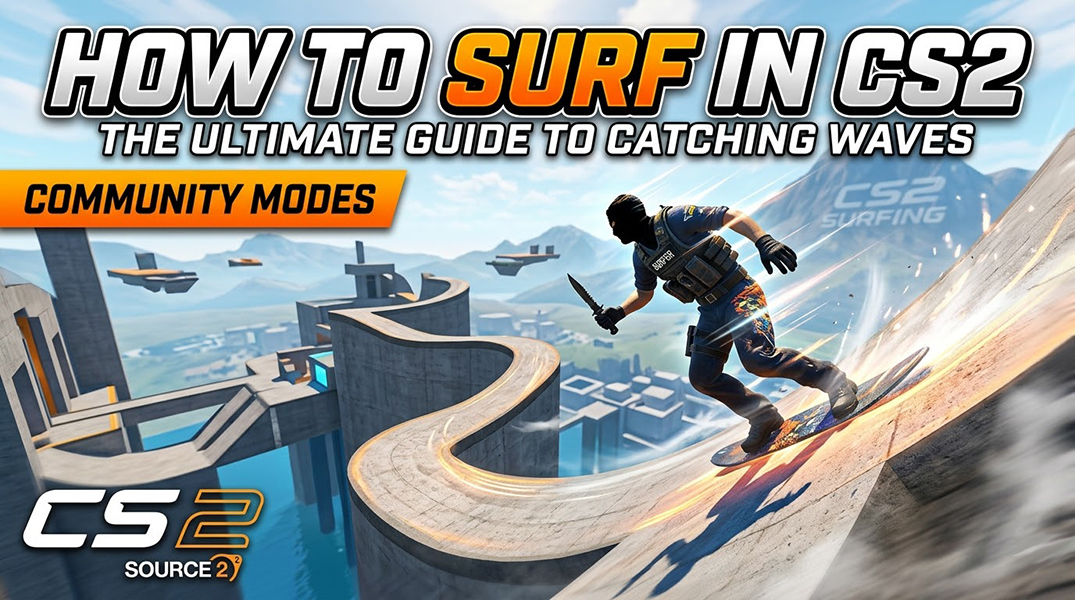
Surfing is one of Counter-Strike’s most iconic community-driven game modes, trading tactical shootouts for fluid, high-speed movement. By sliding along the sides of steep ramps, players can defy gravity and soar through intricate obstacle courses. While the transition to Source 2 changed many things, surfing is very much alive in CS2. To catch a wave, you simply need to jump into a dedicated community server, which is also where many players explore different community-driven features and offers around gaming – latest promo codes and bonuses.
Can You Surf in CS2?
Surfing is more than just a mini-game; it is a high-speed discipline that has defined the Counter-Strike community for over two decades. Originally discovered as a physics “glitch” in the GoldSrc engine (CS 1.6), surfing relies on the way the game handles air acceleration and friction when a player interacts with slanted surfaces. By strafing into a ramp, the engine’s physics prevent you from sliding off, instead propelling you forward at ever-increasing velocities.
With the transition to Source 2 in CS2, many feared that this legacy would be lost. However, the movement community quickly adapted. While the base game settings in Premier or Competitive modes make surfing impossible (as the default “air accelerate” values are too low), community-hosted servers bridge the gap. These servers use custom plugins and modified console variables, such as sv_airaccelerate 150, to recreate the “slippery” physics required to glide. Since CS2 does not feature an official “Surf” queue, these community hubs remain the only way to experience this unique movement style.
How to Join Surf in CS2
Surfing in CS2 doesn’t happen in the normal matchmaking modes. Instead, you’ll need to join community servers where players run surf maps and game modes. The good news is that it’s pretty quick to find one once you know where to look.
- Open the Community Server Browser: Launch Counter-Strike 2 and go to the main menu. From there, open the Play section and look for the Community Server Browser. This is basically a big list of servers hosted by the community. You’ll find all kinds of custom modes here, including surfing, bhopping, and other fun map types that aren’t part of the official game modes.
- Search for Surf Servers: When the server browser opens, use the search bar to filter the list. The easiest way is to type “surf”. Once you do that, the list will show servers running surf maps. You’ll also see useful info like how many players are on the server, the ping, and the map name, which can help you pick a good one.
- Join a Surf Server: When you find a server that looks good, just click it and hit Connect. If the server uses a surf map you don’t already have, the game will automatically download it for you before joining. After that finishes, you’ll load into the server and can start practicing your surfing right away.
How to Surf in CS2 (Basic Movement)
Surfing in CS2 is mostly about staying on angled ramps and keeping your momentum as you move from one ramp to the next. It can feel weird at first, but once you understand the basic movement, it becomes much easier.
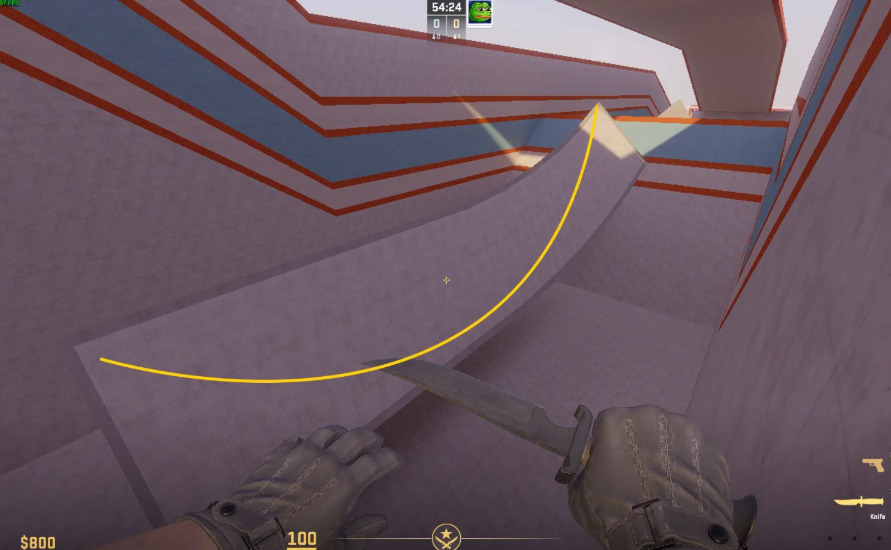
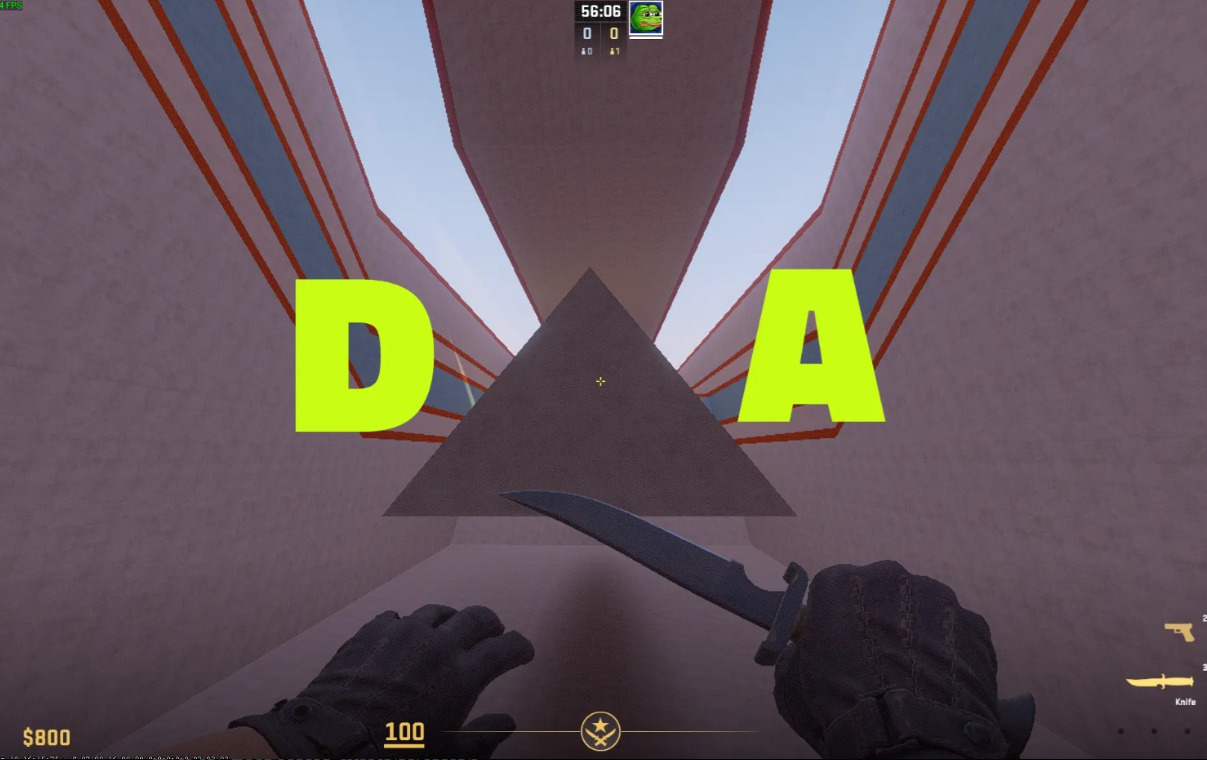
- Don’t press the forward key: This is the most common beginner mistake. Don’t hold the forward key (W) while surfing. It feels natural to press it, but it usually throws off your movement and makes you slip off the ramp.
- Use A and D to control movement: Instead of W, you’ll mostly use A and D. If the ramp slopes down to the left, hold A, if the ramp slopes down to the right, hold D.
- Follow the slope of the ramp: While you’re surfing, try to move your mouse along the angle of the ramp. If you look too far away from it, you’ll lose contact and fall.
- Maintain momentum between ramps: When you reach the end of a ramp, you’ll fly into the air toward the next one. Aim for the next ramp and land smoothly so you keep your speed and continue surfing.
Tips for Beginner Surf Players
If you’re just starting out with surfing in CS2, a few simple habits can make learning much easier.
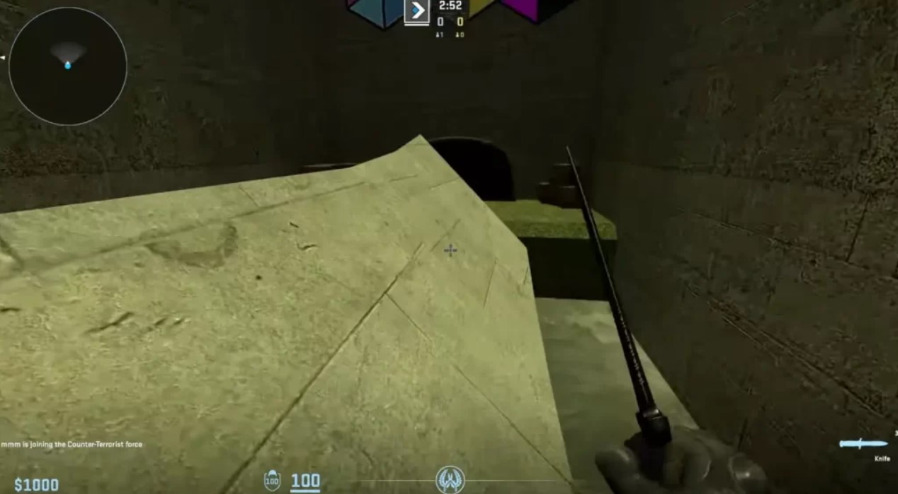
- Practice on beginner surf maps: Start with beginner-friendly surf maps. These maps usually have wider ramps and easier jumps, which makes it much easier to learn the basic movement.
- Focus on movement first: Don’t worry about going fast right away. Instead, focus on staying on the ramp and controlling your movement. Speed will come naturally as you get more comfortable.
- Use your mouse to control direction: Your mouse movement is just as important as your keys. Try to smoothly follow the angle of the ramp with your crosshair to keep your balance and control while surfing.
How to Surf in CS2: Conclusion
Surfing remains a legendary pillar of the Counter-Strike experience, offering a meditative break from the high-stakes pressure of Premier mode. While the Source 2 engine has its own unique “feel,” the fundamental principles remain the same: respect the physics, trust the “No-W” rule, and keep your movements smooth. With a bit of practice, the initial frustration will give way to a sense of weightless speed, turning the most complex obstacle courses into your personal playground.